Your model has outgrown your GPU.
Consider a larger shared CPU/GPU memory pool when your current graphics-memory budget is the limiting factor. Use the model-weight table below to assess the next capacity tier.
Plan the memory budget →
AMD Ryzen AI Max+ 395 / 495 mini workstations for memory-constrained local AI workloads. Compare 64GB, 128GB and 192GB systems, check your software path and choose around your model.
395 from $2,099.00 · 64GB RAM, no SSD
495 from $3,799.99 · 128GB RAM, no SSD

Start with the constraint you are trying to solve. Memory capacity, software support and sustained throughput matter more than an AI badge.
Consider a larger shared CPU/GPU memory pool when your current graphics-memory budget is the limiting factor. Use the model-weight table below to assess the next capacity tier.
Plan the memory budget →Build a local assistant or retrieval workflow over internal documents. A correctly configured local runtime can process prompts and files on your machine after the required downloads.
Check the software path →Run model experiments or a local API alongside development tools. Select CPU/GPU memory allocation, storage and networking for the workload you intend to host.
Compare the systems →Budget for model weights + KV cache + runtime buffers + the operating system. System RAM and GPU-allocatable memory are different limits.
Raw weights alone exceed 24GB. This is a capacity illustration, not a speed comparison with a dedicated GPU.
| Model size | Ideal 4-bit weights | Ideal 8-bit weights | What to add |
|---|---|---|---|
| 8B parameters | ~4GB | ~8GB | KV cache for your context and parallel requests; quantization metadata; compute buffers; OS and other applications. |
| 32B parameters | ~16GB | ~32GB | |
| 70B parameters | ~35GB | ~70GB | |
| 120B parameters | ~60GB | ~120GB |
Arithmetic estimates in decimal GB: parameter count × bits ÷ 8. Actual GGUF and other quantized files can be larger. These are not model compatibility tests or total-memory requirements. For MoE models, use total stored parameters for weight capacity, not only active parameters. Context architecture, KV-cache precision and concurrency can materially change the budget.
Choose the smallest capacity that covers your complete memory budget. LPDDR5x RAM is onboard and cannot be upgraded later; SSD expansion and compatible drive types vary by system.
Consider for smaller quantized models, a single-user coding assistant or a modest local document workflow. Calculate the complete budget before selecting a larger model.
Consider when a larger quantized model or context budget makes 64GB restrictive. On the 395 platform, AMD describes up to 96GB graphics allocation on selected 128GB systems.
Consider when your calculated memory demand exceeds a 128GB system. The 495 platform supports up to 192GB system memory; AMD describes up to 160GB graphics allocation.
Capacity guidance is an estimate, not a model-fit guarantee. Graphics allocation depends on the selected system, BIOS, OS, driver and runtime. 128GB or 192GB system memory does not mean the entire capacity is GPU memory. More memory does not, by itself, increase tokens per second.
| Platform specification | Ryzen AI Max+ 395 | Ryzen AI Max+ PRO 495 |
|---|---|---|
| CPU | 16C / 32T · up to 5.1GHz | 16C / 32T · up to 5.2GHz |
| Integrated graphics | Radeon 8060S · 40 CUs | Radeon 8065S · 40 CUs |
| Platform maximum memory | 128GB · LPDDR5x-8000 | 192GB · LPDDR5x-8533 |
| Memory interface | 256-bit LPDDR5x | 256-bit LPDDR5x |
| NPU / total AI compute | Up to 50 / 126 TOPS | Up to 55 / 131 TOPS |
| Why choose it? | Lower-cost entry to high-memory local computing | More memory headroom on selected 192GB systems |
Platform maxima are not included in every configuration. The 495 specifications above refer to AMD's PRO 495 platform; confirm the exact processor and system specification on the selected product before ordering. A higher specification does not guarantee a fixed percentage speed improvement.
Select a RAM and SSD configuration, then open the product page for current availability.
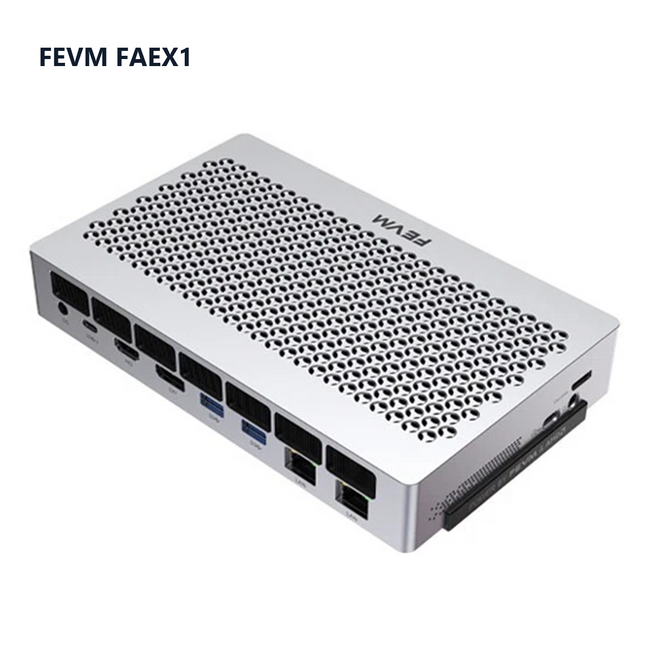
Ryzen AI Max+ 395
The lowest-priced ready-to-configure 395 system in this ChinaPC selection. Start with 64GB unified memory; choose the SSD capacity you need.
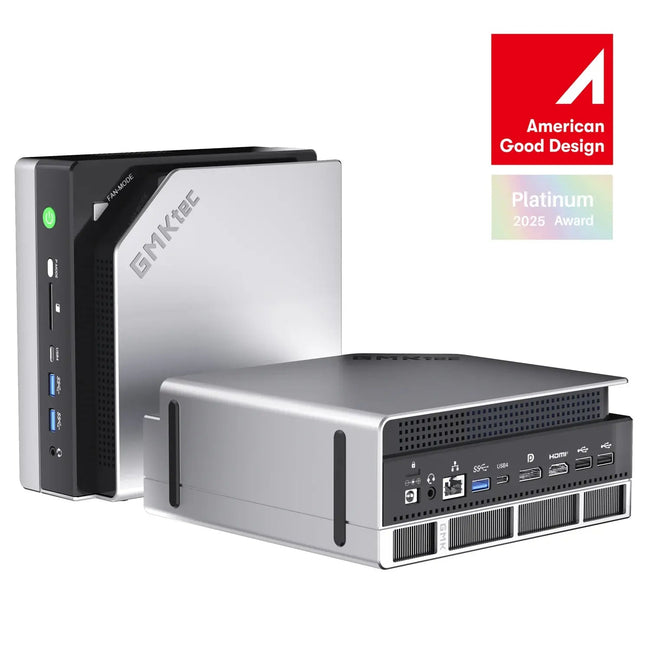
Ryzen AI Max+ 395
16-core Zen 5 performance with Radeon 8060S graphics. A familiar platform for local AI, creation and a versatile desktop.
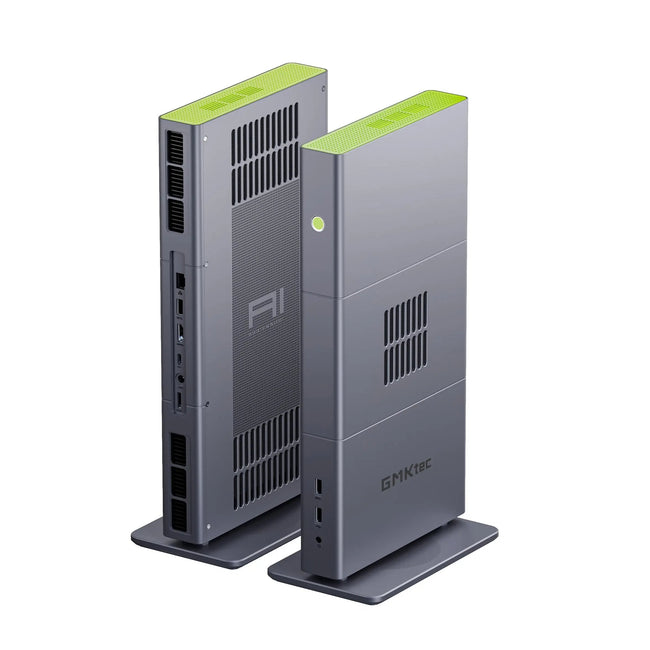
Ryzen AI Max+ 395
More unified memory for demanding local workloads, with OCuLink expansion for a flexible workstation setup.

Ryzen AI Max+ 495
Step up to the 495 platform and choose 128GB or 192GB of unified memory. Built for users whose local AI work needs more memory headroom.
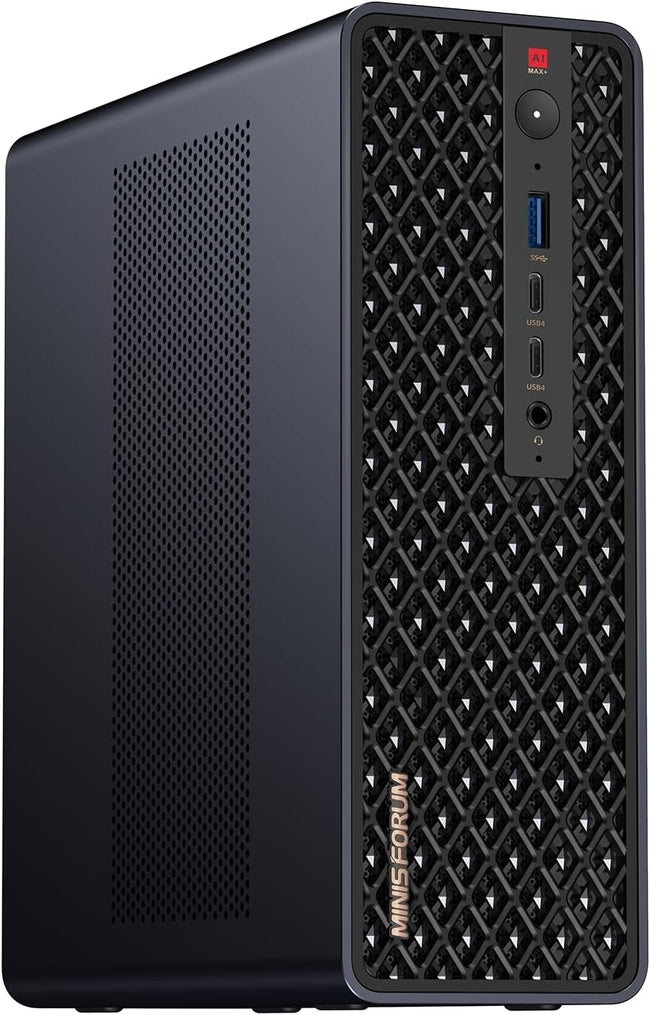
Ryzen AI Max+ 395
Another 395 workstation option for buyers comparing chassis and connectivity. Explore the product details before choosing your configuration.
USD prices and availability checked November 13, 2026. No-SSD configurations require a compatible drive and operating system. Confirm shipping, applicable taxes/duties and the final total at checkout.
Compare the exact memory and SSD capacity. The first row compares different 395 systems; the next two compare the same model.
| Configuration | ChinaPC | Listed reference price | Price difference |
|---|---|---|---|
| 395 · 64GB / 1TB FEVM FAEX1 vs GMKtec EVO-X2 | $2,149.00 | $2,199.99 GMKtec official | $50.99 lower 2.3% |
| GMKtec EVO-X2 395 · 64GB / 1TB | $2,159.99 | $2,199.99 GMKtec official | Save $40.00 1.8% |
| GMKtec EVO-X3 395 · 128GB / 2TB | $3,759.99 | $3,799.99 GMKtec official | Save $40.00 1.1% |
*Public USD product-page prices checked November 13, 2026. Comparison is of listed product prices, before shipping, location-dependent taxes/duties, eligibility-based coupons or member offers. Different systems may have different cooling, ports, software and warranty terms. These are selected comparisons, not a claim of the lowest price across all retailers. 495 models are presented for capability and configuration choice.
Reference listings: GMKtec EVO-X2 · GMKtec EVO-X3
Check your deployment path before choosing a configuration. AMD GPU acceleration and NPU acceleration use different software paths.
| Your workflow | What to verify | Starting point |
|---|---|---|
| GGUF local inference | Exact model file, quantization, context, GPU offload and memory allocation. AMD documents Vulkan and ROCm runtime options in LM Studio. | AMD LM Studio playbook ↗ |
| Private document Q&A / local API | Model plus embedding runtime, document processing, data path and any network-connected plugins. Download the required files before offline operation. | LM Studio offline guide ↗ |
| PyTorch / ROCm development | Exact GPU/APU, OS, driver, ROCm release and framework version. Support for one combination is not support for all combinations. | AMD support matrix ↗ |
| CUDA-dependent software | A working AMD-compatible backend or a different hardware path. A Radeon GPU is not a drop-in CUDA replacement. | Check your application requirements |
Use the same model file, quantization, prompt and context length; match runtime, driver, GPU offload, power mode and concurrency. Compare prompt processing, time to first token and sustained generation. TOPS alone does not predict LLM response speed.
ChinaPC has not published a controlled, like-for-like benchmark for these five systems. A model fitting in memory is not a guarantee of GPU residency or a target tokens-per-second rate.
Exact model or download link · quantization · runtime and OS · target context length · simultaneous users · target response speed · destination country.
We can use your brief to check configuration and order details. Include any required dispatch date or warranty question.
Processor sources: AMD Ryzen AI Max+ 395 · AMD Ryzen AI Max+ PRO 495